One player, one login, and a cable if you can manage it
No dish, no engineer, no technical confidence required. This is the sequence we talk people through most evenings, written down so you can skip the conversation entirely.
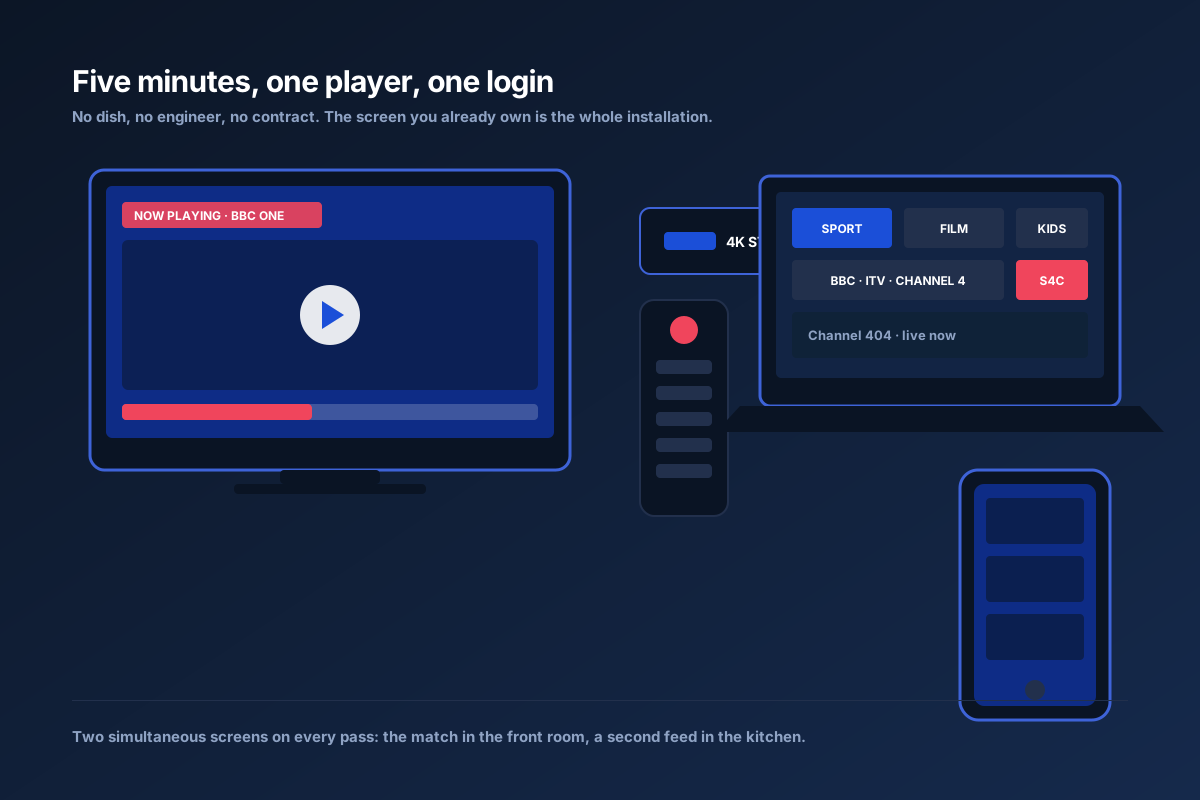
Four steps, roughly five minutes
Power from the wall
HDMI into the television, power into a mains socket. The TV's USB port will reboot the stick at the worst possible moment — traditionally the second half.
Install one player
We tell you which app suits your device and where to find it. From the store it is a search and a tap; otherwise a downloader adds a minute.
Enter the login
A playlist address, or a username and password. Most players remember it and keep favourites across restarts.
Trim the list
The first sync takes a couple of minutes for 40,000 channels. Then save the handful the house actually uses — BBC One, the sport channel, the kids' shelf.
Four settings that stop most stuttering
Wire it
An ethernet adapter is the best-value upgrade in streaming. Cheaper than a takeaway for four and it fixes most complaints outright.
Force 5GHz
2.4GHz is crowded with doorbells, monitors and next door's mesh. If cable is impossible, take the quieter band.
Hardware decoding
Moves decode work off the stick's processor. On older devices this is smooth FHD versus a slideshow.
Mains adapter
Underpowered USB sockets cause random app closures that look exactly like software faults.
What we recommend, and why swipe →
| Device | Best for | Verdict |
|---|---|---|
| Fire TV Stick 4K Max | Most households | Default recommendation |
| Apple TV 4K | Best interface | Excellent, dearer |
| Nvidia Shield | Heavy channel-hopping, UHD | The performance choice |
| Smart TV app | No extra box | Great on Samsung, LG, Android TV |
| Now TV stick | Sky-shaped households | Fine for NOW; limited as a player |
| Phone / tablet | Second screen in the kitchen | Fine for FHD |
| MAG / Formuler | Traditional boxes | Works via portal login |
We do not sell hardware. Buy what suits the room; nothing is tied to a specific device. If a stream still stutters after the four settings, the buyer's guide explains how to tell a home-network problem from a capacity problem.
Setup questions
Which device should I use?
A Fire TV Stick 4K Max is the default answer: cheap, quick, supports UHD and the player choices are well documented. An Apple TV or Nvidia Shield is better if you want the interface; a smart TV app works with no extra box at all.
Do I need to modify or root anything?
No. You install a normal player app from a normal store and enter the login we send. Nothing on the device is altered, and no subscription is needed to the store it came from.
Why does the picture stutter at kick-off?
Almost always Wi-Fi. The stick sits behind a television, which is the worst place in a house for a signal, and 3pm on a Saturday is the worst minute for it. Ethernet fixes more cases than any setting.
Can two people watch different channels at once?
Yes — two simultaneous streams on every pass. That is the feature British households use hardest: the football in one room and something else in the other.
Have it running before kick-off
Ask for the free day, install one app, and you will be watching before the teams come out.
Get my free 24-hour test